



 AvPlan
 ActivePlates
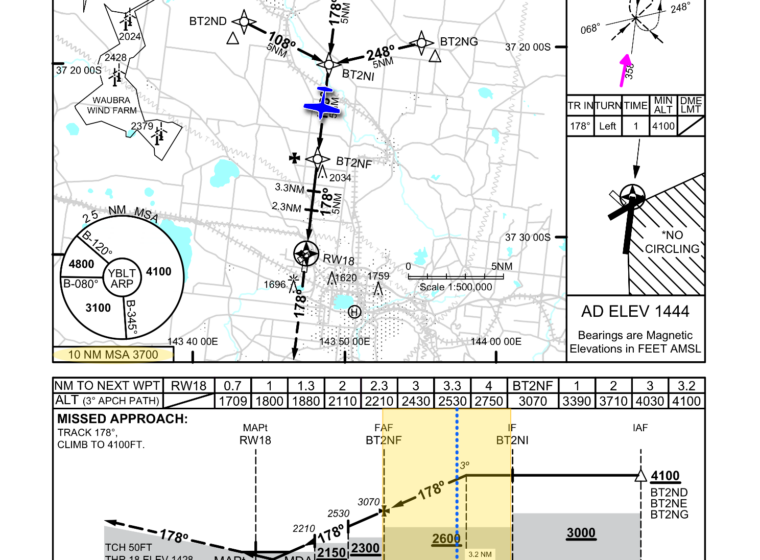
Introducing ActivePlates in AvPlan EFB Approaches are one of the busiest phases of any flight. You’re managing the aircraft, monitoring […]
Learn More



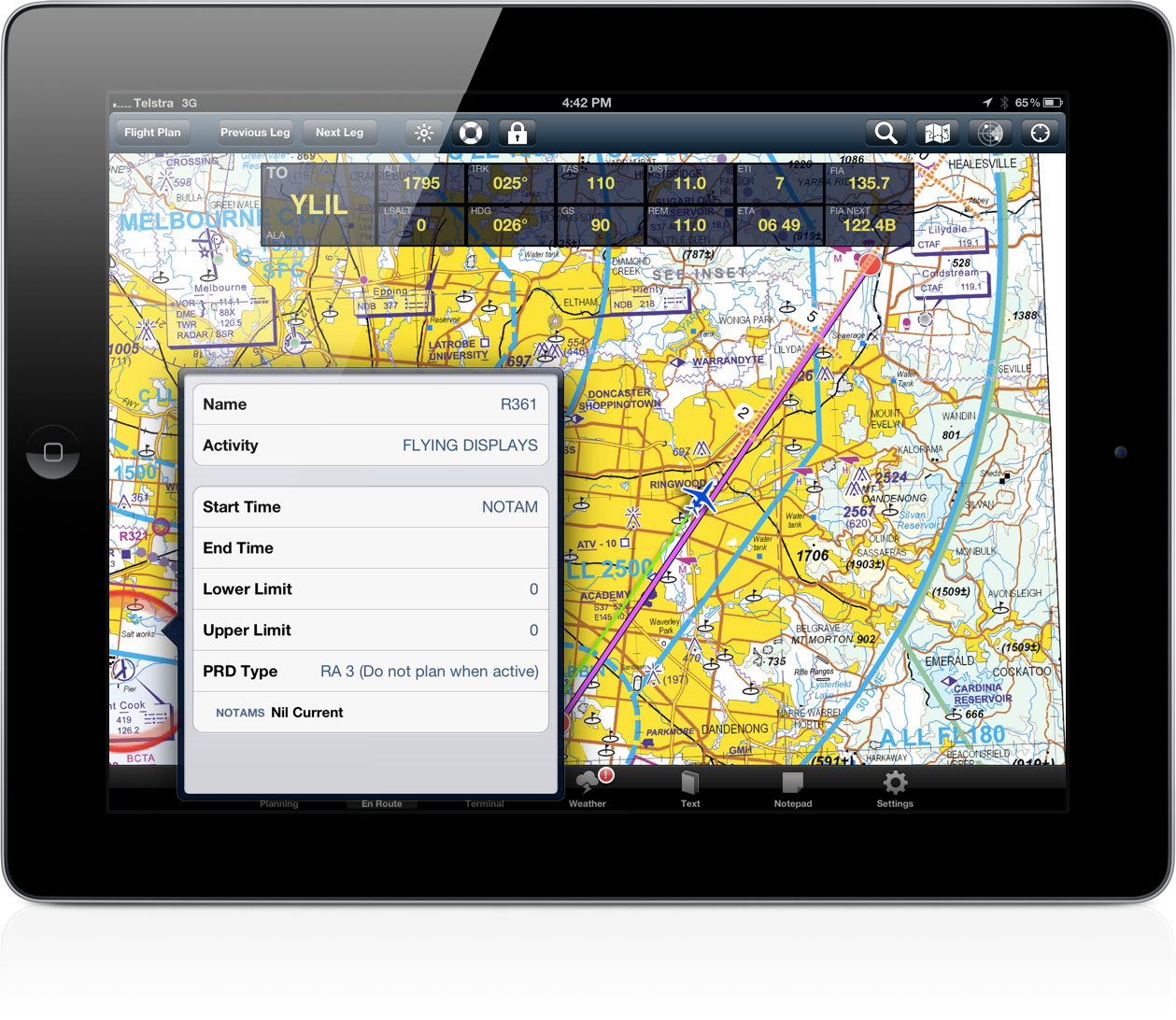
AvPlan 2.0 includes the ability to double tap on a map to view the status of a restricted area. The app will highlight the boundary of the restricted area and display if it is active or not, plus any applicable NOTAMS.
This screenshot, taken in-flight, also displays the new display of current and next area frequency information in the position overlay.
AvPlan Introducing ActivePlates in AvPlan EFB Approaches are one of the busiest phases of any flight. You’re managing the aircraft, monitoring […]
Learn More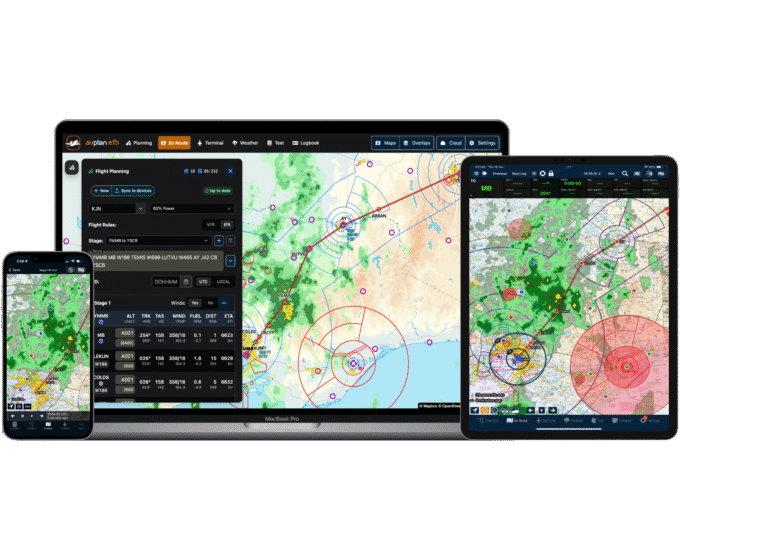 AvPlan
 A Major Update for Planning, Briefing and In-Flight Awareness AvPlan EFB 10.0 is one of our largest updates yet, with […]
Learn More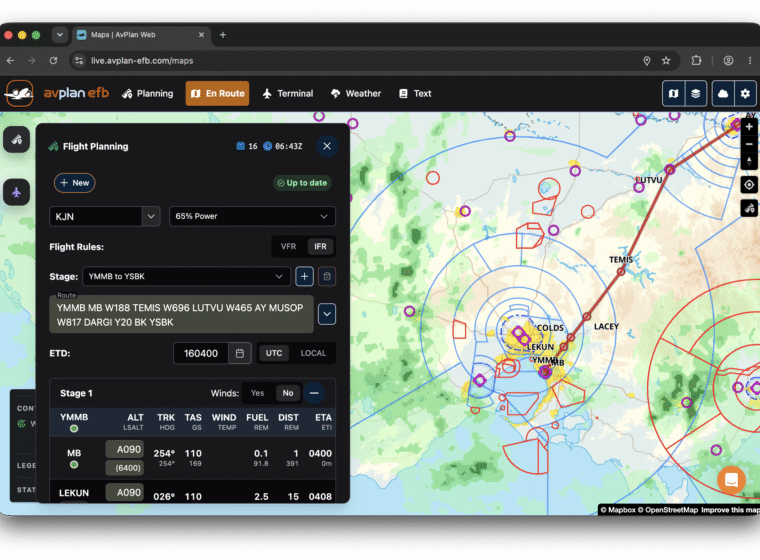 AvPlan
 Since 2011, AvPlan EFB has helped pilots plan, brief and fly with confidence. What started as a mobile-first Electronic Flight […]
Learn More