


 AvPlan
iOS 27.2: you can now upgrade
AvPlan EFB users can now upgrade to iOS 27.2. The update should resolve GPS issues experienced by some users on iOS 27.
Learn More


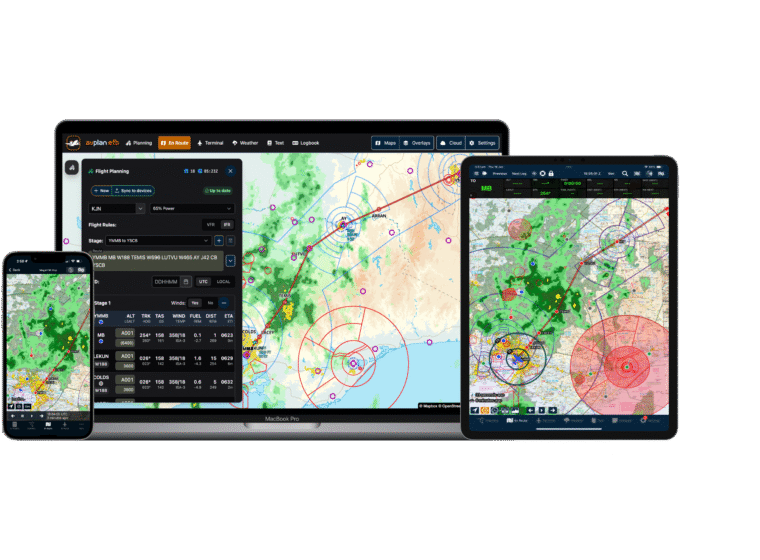
AvPlan EFB 10.2 gives iPad pilots a Notepad library with reusable forms and brings guided PDF import to iPhone and iPad. It also adds a clearer breakdown of Additional Fuel and brings route map and weather downloads together in Offline Data.
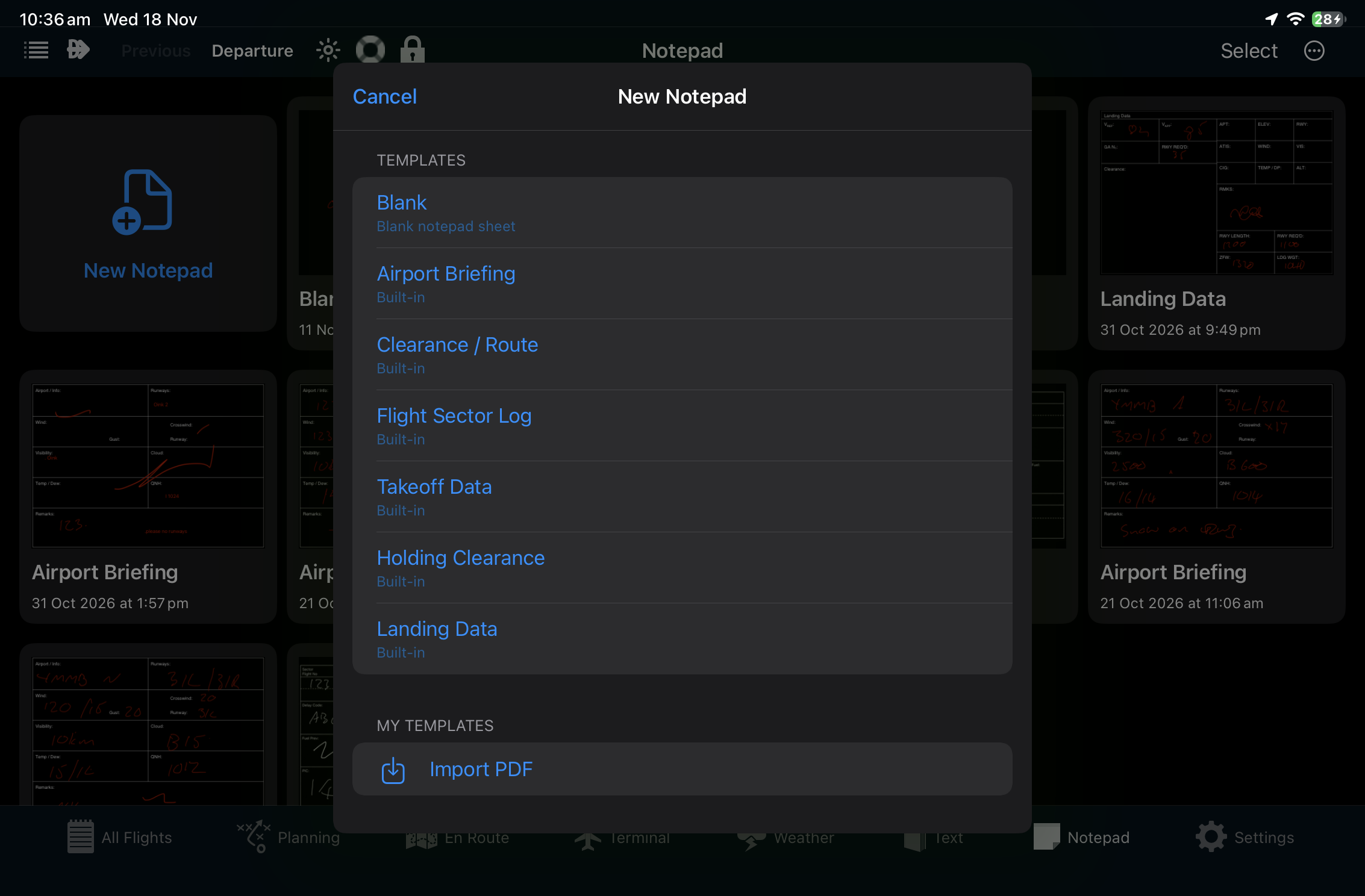
Tap Close to return to the library. Your sheets are saved on that iPad, with the newest sheets shown first. Tap a sheet to reopen it or use the arrows below an open sheet to move between sheets.
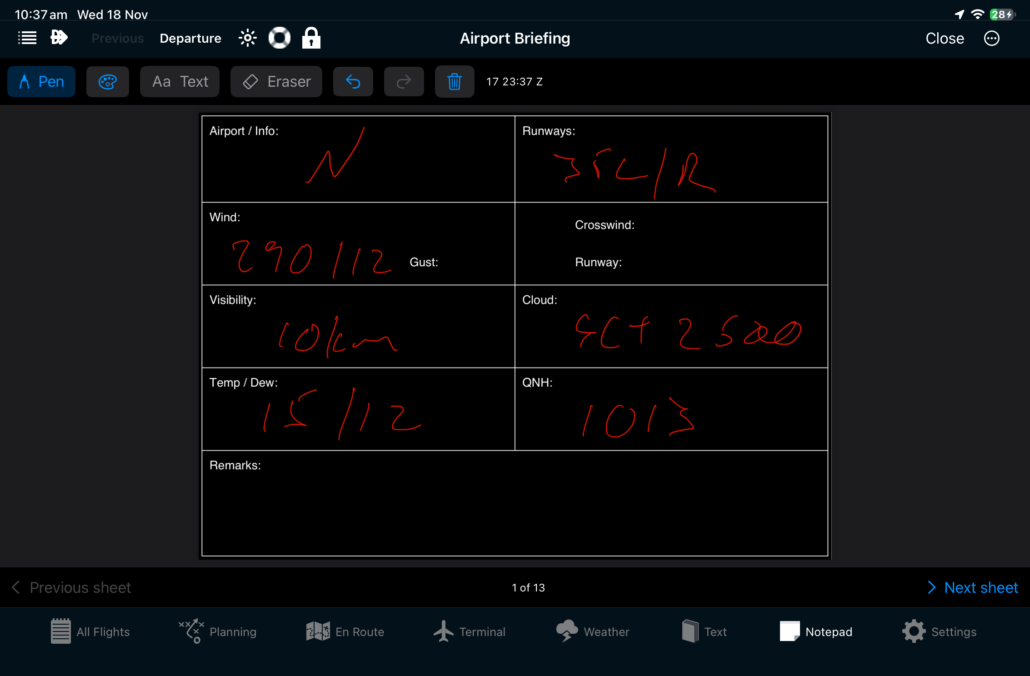
For one sheet, open it and tap the Actions menu (the three dots). For several sheets, tap Select in the library and tap the sheets you want. Use Actions > Select All to select every sheet.
Choose Print for an AirPrint printer or Share to send or save a PDF. Your selected sheets are combined into a single PDF. If you use Tech Log, choose Add to Tech Log to save a PDF copy under Postflight for the open plan. If no plan is open, choose from the recently changed plans. You can keep editing the original sheets in Notepad.
Check the filename and page count in the preview. Edit the name under Save as, then choose a destination.
Tap Import, check the confirmation, then tap Done. AvPlan saves a copy and keeps the source file intact. If a trip attachment shows as queued, check the trip’s Tech Log after the upload completes. For a password-protected PDF, import an unprotected copy.
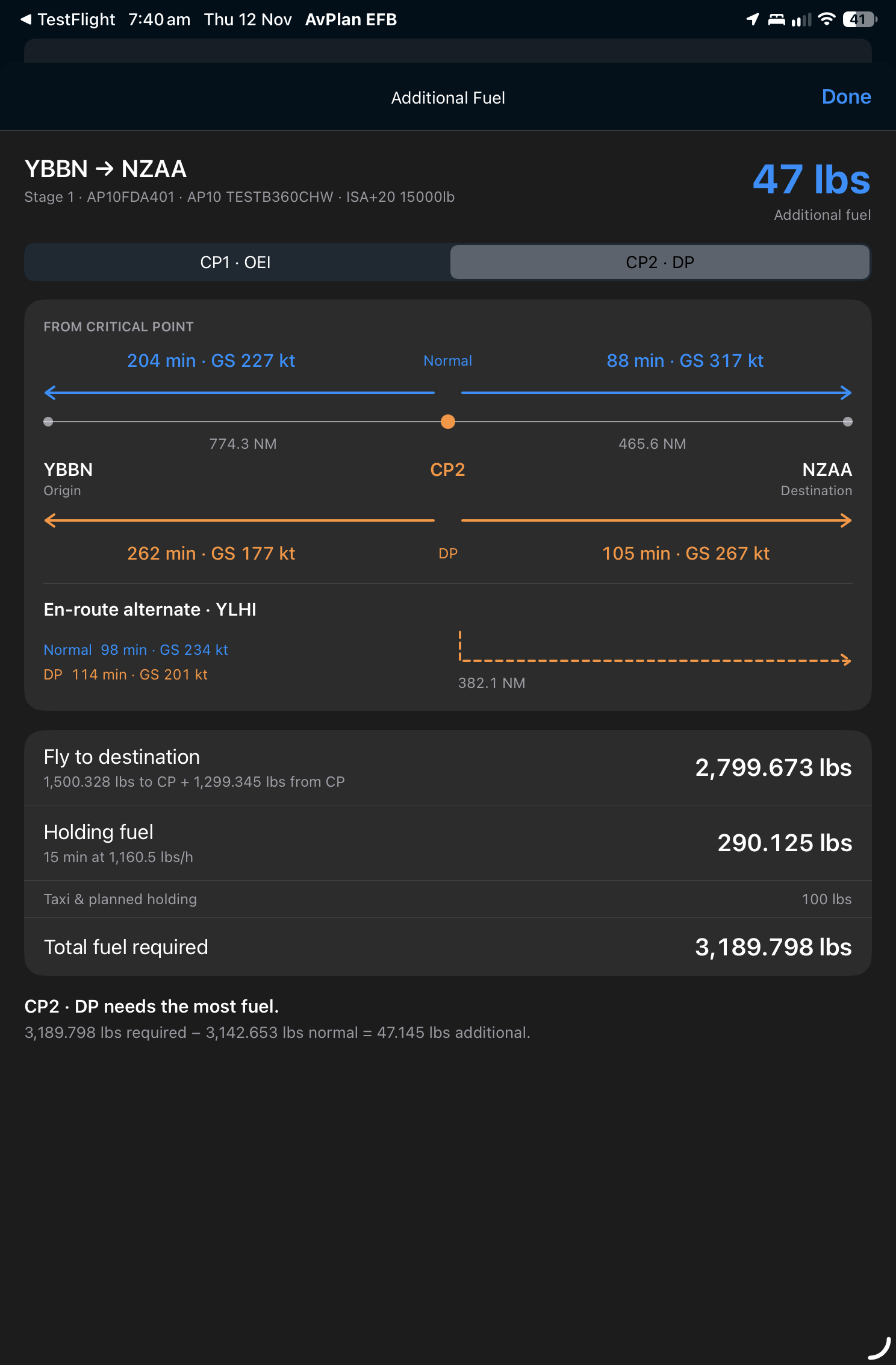
In the stage’s fuel plan, tap the information icon beside Additional Fuel when it’s available. Switch between CP1 and CP2 when both critical-point scenarios are configured. The diagram shows the distances, times and groundspeeds to the origin and destination under normal and degraded performance, with the en-route alternate shown when configured. Below the diagram you can review the fuel breakdown and see which scenario drives the additional fuel figure.
Find more guidance in the AvPlan EFB User Manual.
AvPlan AvPlan EFB users can now upgrade to iOS 27.2. The update should resolve GPS issues experienced by some users on iOS 27.
Learn More AvPlan
Keep preflight and postflight paperwork connected to your flight with AvPlan Tech Logs. Discover how they fit your Enterprise workflow.
Learn More AvPlan We continue to advise AvPlan EFB users to delay upgrading to iOS 27, as some devices may experience GPS issues after the upgrade.
Learn More