


Welcome to AvPlan Web!
AvPlan Web is a browser-based flight operations platform for pilots, operators, and dispatch teams. It combines flight planning, live en route situational awareness, terminal weather/NOTAM intelligence, and operational document access in one interface.
The site allows users to:
- Build, edit, optimise, and file flight plans.
- View live traffic, weather overlays, and airspace/NOTAM context on an interactive map.
- Inspect terminal-specific information such as comms, METAR/TAF/ATIS, NOTAMs, fuel, and charts.
- Access company and regulatory documentation with optional acknowledgement/read-tracking workflows.
- Manage account settings such as subscriptions, payment cards, devices, SMS, and personal sharing links.
- For enterprise users, administer group members, shared waypoints/plates/maps/overlays, and group-level sharing and billing settings.
Quick Start
- Log in with your AvPlan account.
- Use top tabs to move between `Planning`, `En Route`, `Terminal`, `Weather`, and `Text`.
- Use `Settings` for account, devices, subscriptions, and help.
- Use `Cloud` for enterprise group features (if enabled on your account).
Downloading this manual as a PDF
If you’d like to download this manual (for printing, etc), there is a Download as PDF option at the bottom of the Table of Contents column. To use this download function on the AvPlan-EFB website simply click on the button. To use it from within AvPlan EFB, tap and hold the button, then tap Open Link in the pop-up menu.
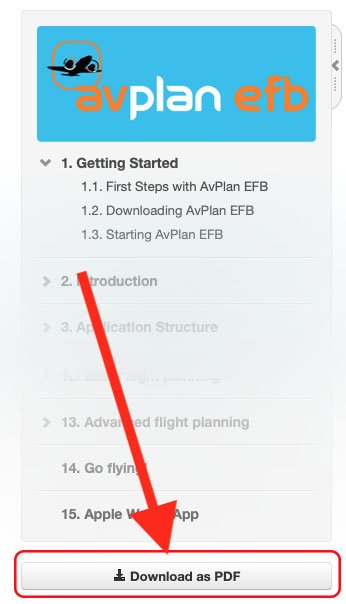
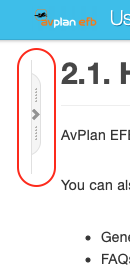
If you don’t see the Table of Contents, it may have been hidden. You can return it by tapping the tab in the top-left of the page:
Need more help with this?
Help Centre